Signing in
Your own account, made in about a minute. No Canvas required.
InteGrade is a website. You make an account, you sign in, you grade. Nothing needs to be installed, and your college does not need to set anything up for you.
Creating your account
Two ways, and both take about a minute:
- With an email address. Go to the sign-up page, enter your email, and choose a password. You can add a display name, which is what your students see on feedback you send them.
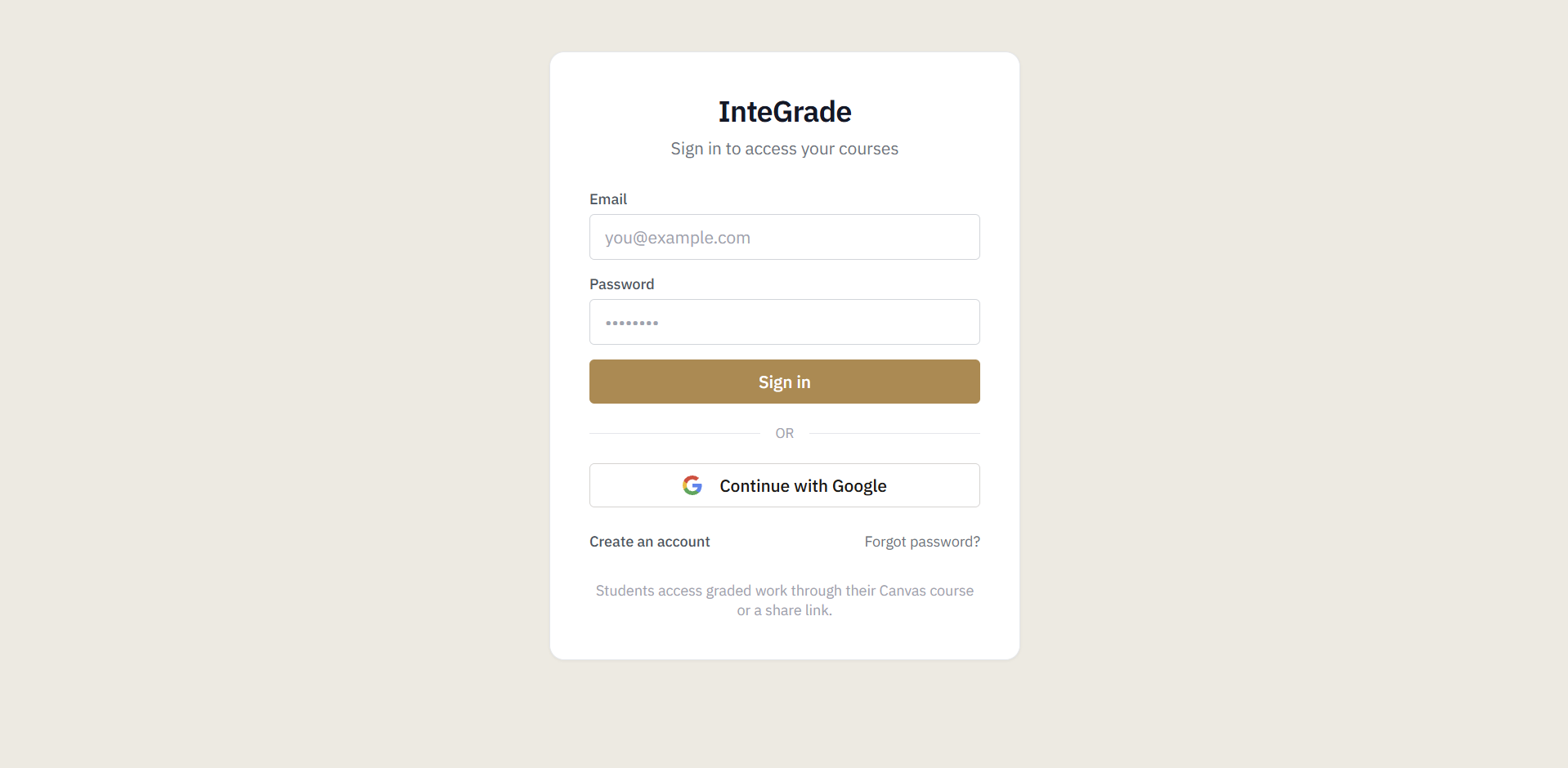
- With Google. Go to the sign-in page and choose Continue with Google. If you have never used InteGrade before, your account is created on the spot.
Either way, you land on your dashboard, ready to make a course.
One thing worth knowing: the Google option lives on the sign-in page, not the sign-up page. If you went looking for it on sign-up and did not find it, that is why.
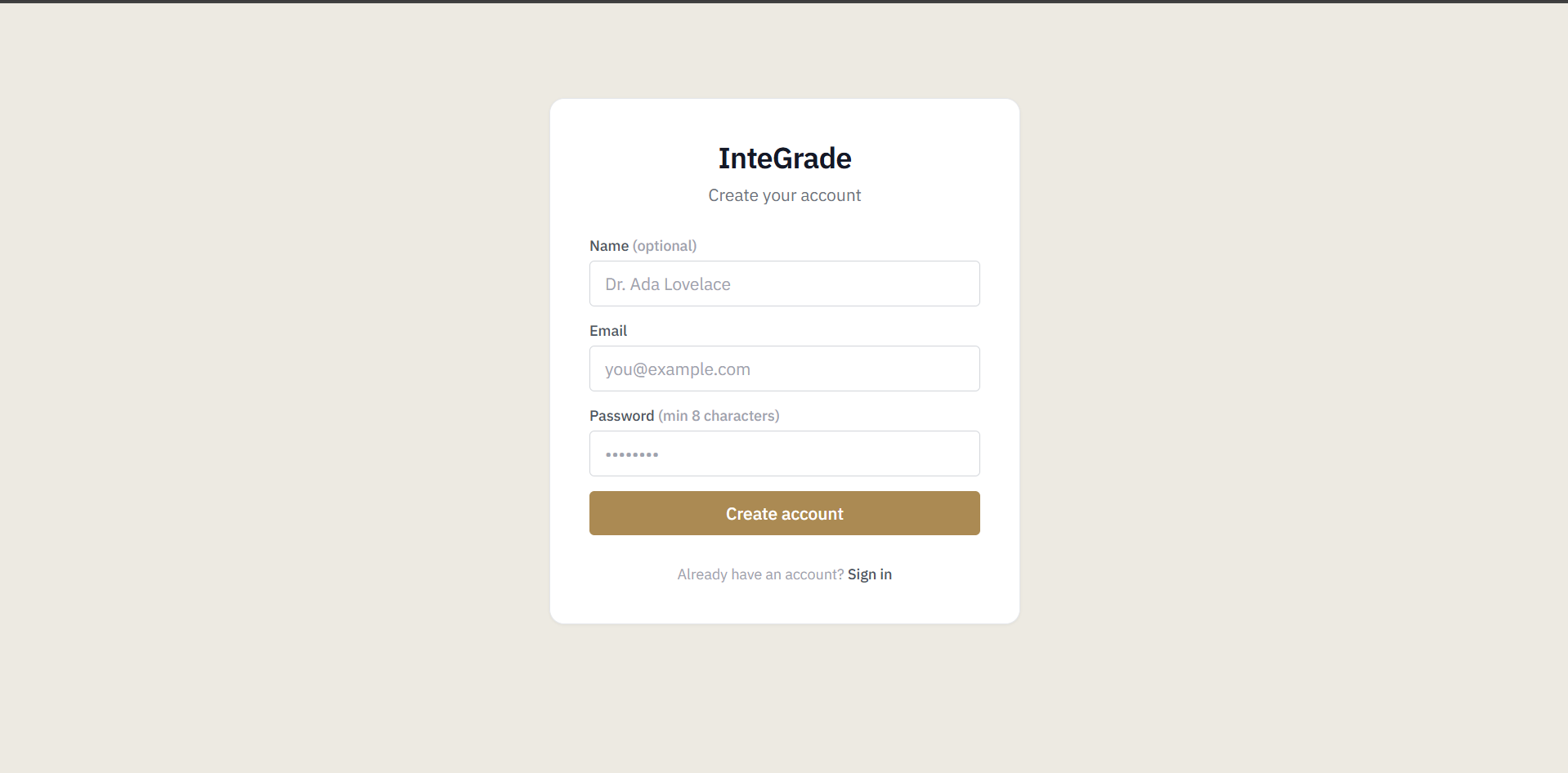
Signing in
Back for the second time, you sign in with whichever you chose: your email and password, or Continue with Google.
Forgotten password
Use the reset link on the sign-in page and InteGrade emails you a way back in. If the emailed link gives you trouble, the same message includes a code you can type in by hand.
Trouble signing in?
- Check the email address for typos first. It is the most common cause by a distance.
- If a reset email has not arrived after a few minutes, look in your spam folder.
- Still stuck? Email support@integrade.app.