Courses and the dashboard
Where everything lives once you are signed in.
After signing in you land on your dashboard, which lists your courses. Each course contains its roster, its assignments, and everything graded inside them.
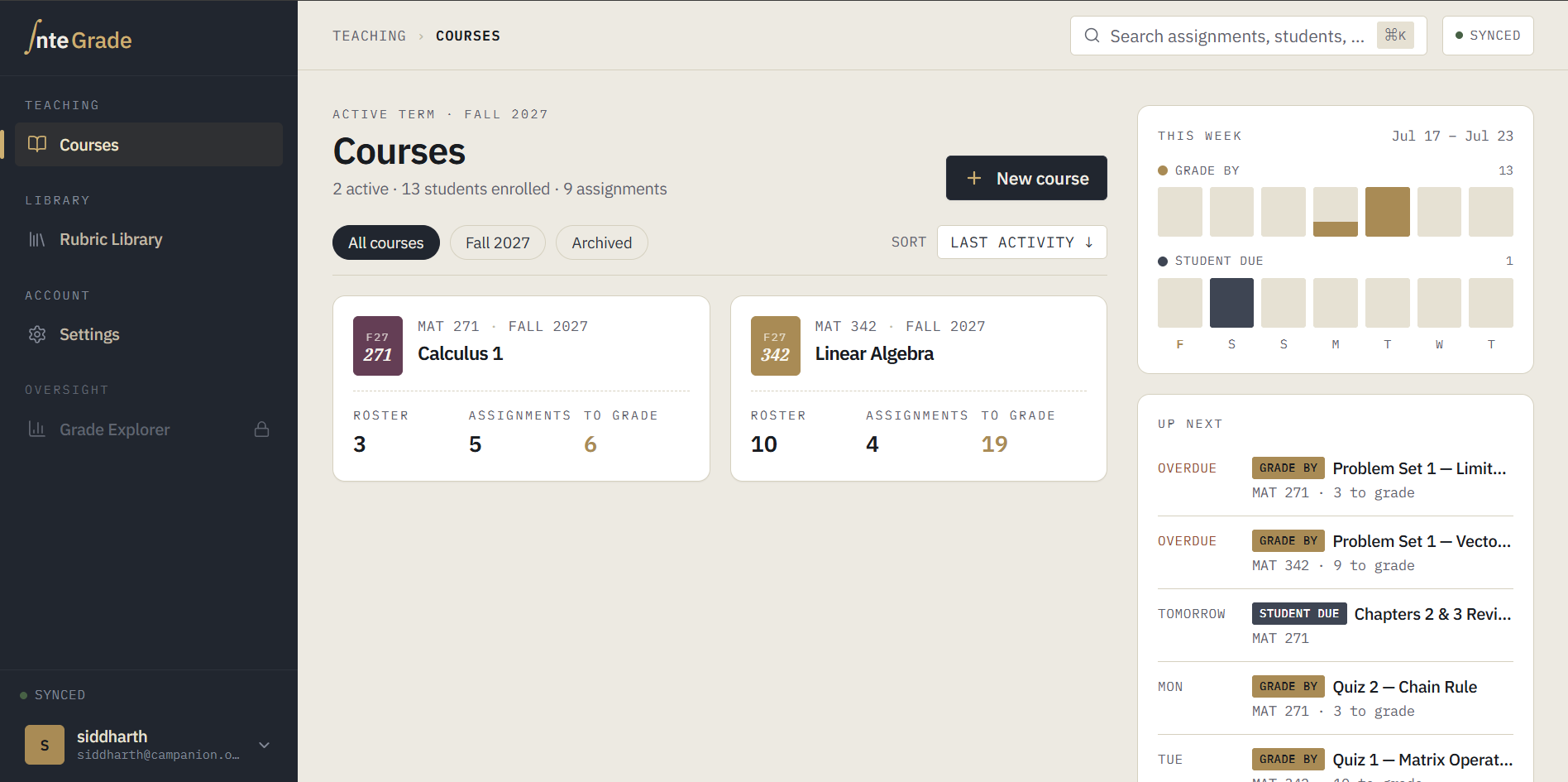
Courses
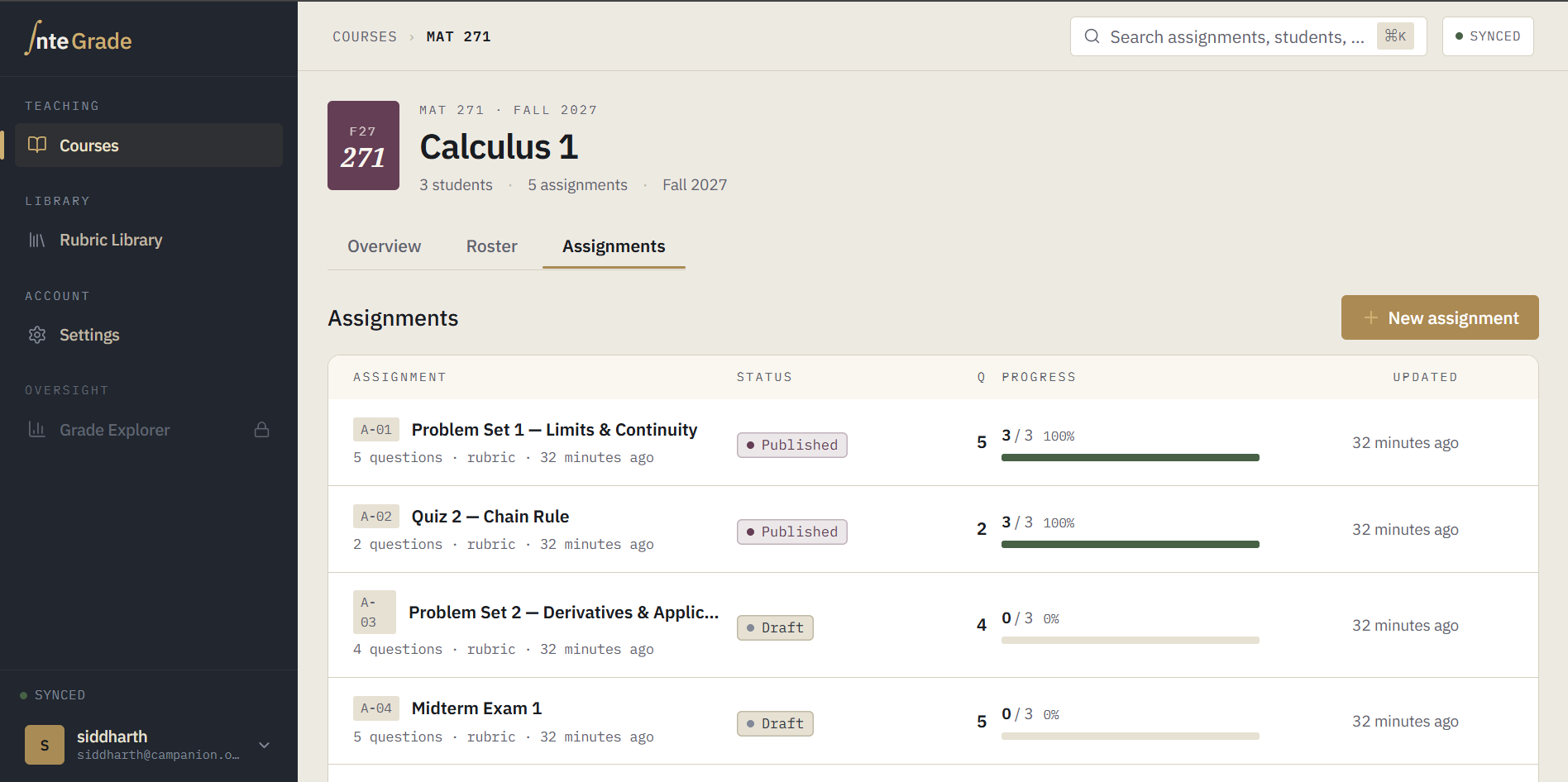
Courses linked from Canvas appear automatically with their roster attached. Inside a course you will see:
- Assignments: everything you have created in this course, with grading progress at a glance.
- Roster: your students, synced from Canvas. See Syncing your roster from Canvas.
The sync status indicator
Throughout the app you will notice a small status indicator showing whether your work is saved and synced. This is worth getting familiar with early. It is the quickest way to confirm everything is functioning correctly, especially before you close your laptop. Read The sync status indicator.
Where to go next
If this is your first time in InteGrade, the fastest path is the Quick start, which walks one assignment from creation to graded in about fifteen minutes.