The rubric library
Save a rubric once, grade against it in every course you teach.
You wrote a good rubric for Assignment 3. Next term you teach the same course again, or you teach two sections of it at once. The rubric library is where that rubric goes so you do not write it twice.
Your personal library is included on both plans.
Saving a rubric
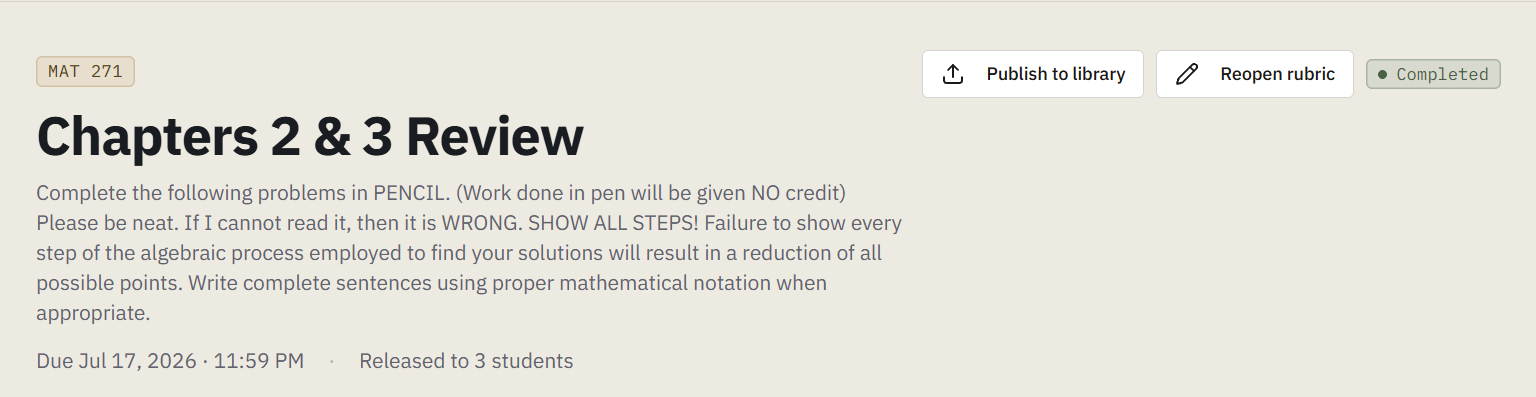
From any assignment, publish its rubric to the library. It saves the structure and the rubric items: the thinking, not the student data.
Using it again
Open the library from the sidebar and you will see everything you have saved. Clone an entry into another of your courses and it arrives as an assignment you can grade against immediately.
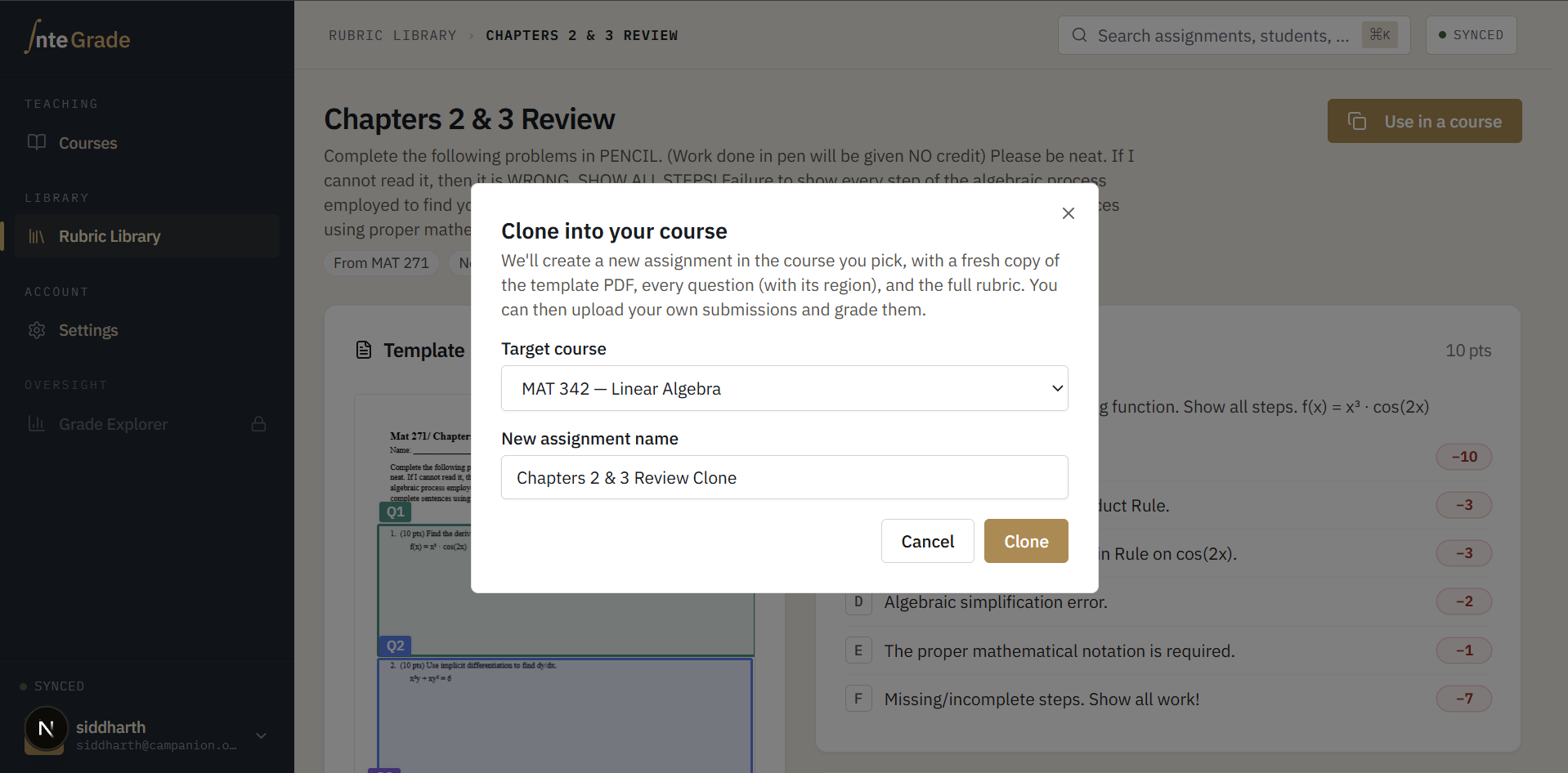
Cloning takes a copy. Editing the copy does not touch the original, and editing the original does not reach back into courses you already cloned it into. That is deliberate: a rubric you are actively grading against should never change under you because someone edited a library entry.
Sharing with your department
Your own library is yours, free, always. What the full version adds is sharing it sideways: publishing a rubric to other teachers in your department, so a multi-section course grades from the same playbook instead of five slightly different ones.
Shared rubrics are copies too, and they do not cross between schools.