Exporting grades to CSV
Per-question scores in a spreadsheet, whenever you need them.
Beyond posting to Canvas, you can export an assignment's grades as a CSV for your own records, departmental reporting, or any external gradebook.
What the export contains
One row per student, with a column for the total and a column per scored question in outline order. Multi-part questions appear according to their scoring mode: pooled questions export as one column owned by the parent, per-part questions export one column per part.
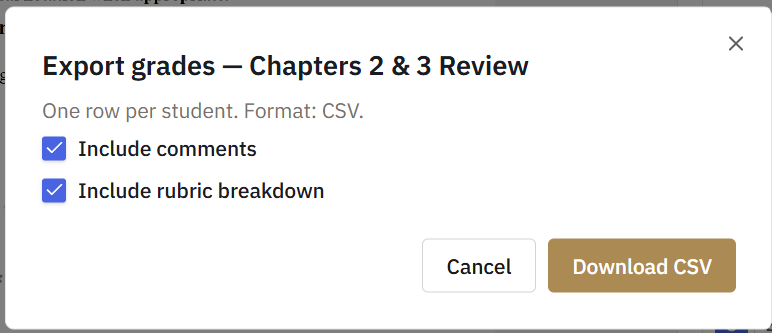
Two further sets of columns are optional: the comment you left on each question, and the rubric items you applied to each question. Each adds one more column per question. Comments are included by default; the rubric breakdown is not.
When an assignment uses shared groups, every member still gets their own row, filled from the group's single graded submission, and the export adds a "Graded via" column naming the member who submitted. This makes the CSV the most complete record of a group assignment, because the Canvas gradebook only receives the submitter.
How to export
Export from the assignment's grades or submissions view, then choose what to include. The CSV downloads immediately and reflects grading as of that moment.
Notes
- Exports are snapshots. Regrade later, export again.
- Ungraded questions appear empty rather than as zero, so partial exports mid-grading stay honest.